
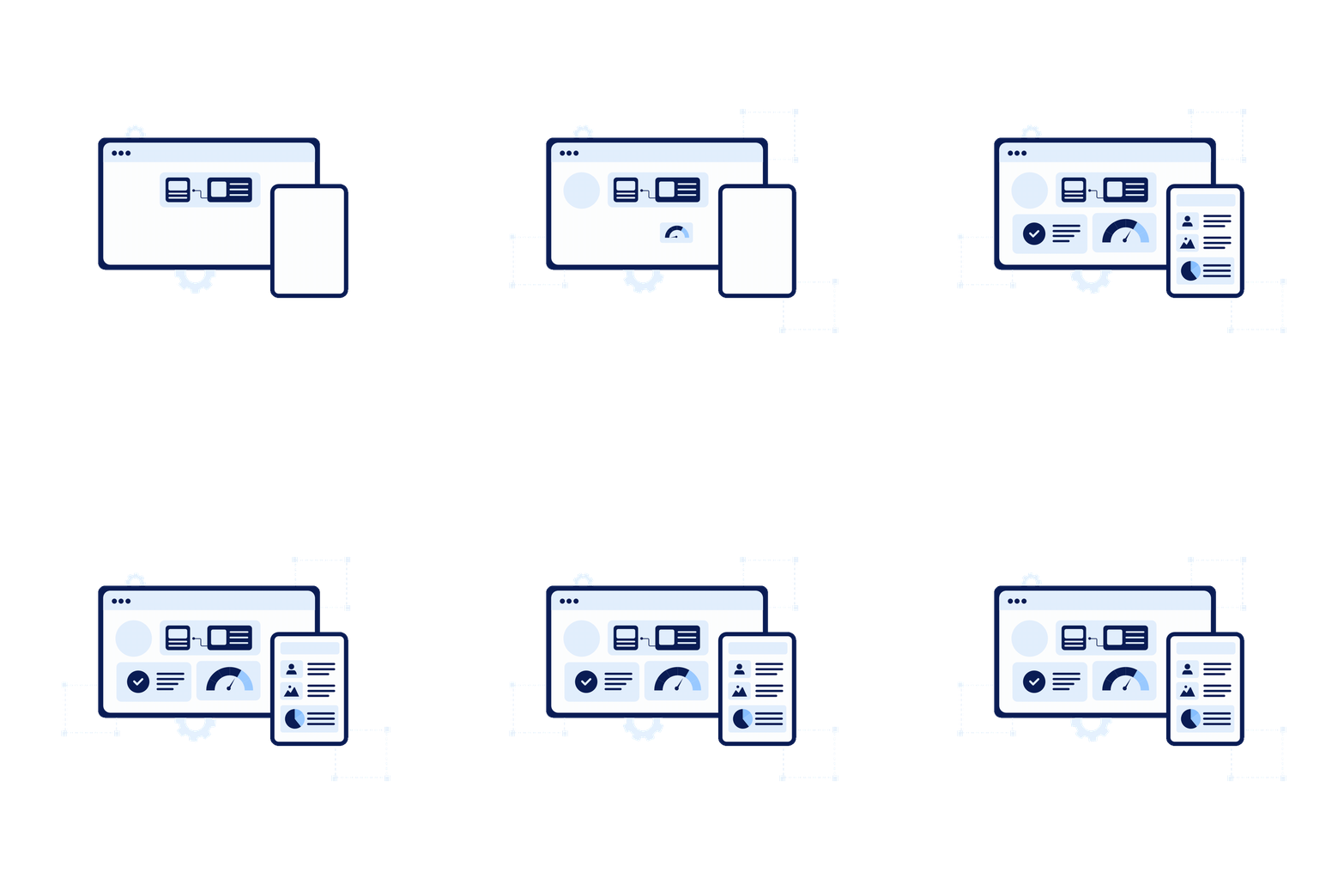
CommBox Manage
simplifies fleet control
You’re juggling devices across sites. Travel, manual updates and inconsistent settings waste time.
With CommBox Manage, you enrol, group, update and secure every screen from one dashboard.
No site visits. No delays.

How It Works
-
Enrol devices with the Manage app, then see them appear on your dashboard.
-
Group by tags to manage at scale and apply policies or settings once to many screens.
-
Update apps in bulk or by group using remote package deployment.
-
Secure usage with allow/block lists, kiosk mode and Wi-Fi policies.
-
Automate common tasks with schedules, triggers and workflows.
-
Support remotely with full device control, file deployment and command audit trails.

Group Devices
Group and tag devices according
to predefined criteria
Support
Remotely control all devices
for easy technical support
Analyse
Brand new intuitive user interface powered by CommBox OS to personalise your experience
Key Features

Centralised Technical Support
MANAGE
CommBox Manage offers centralised technical support capabilities with remote device management features. Users can control remote screens, share files, and execute remote shell commands.
With full "touch control" capabilities, including keyboard and mouse control, you can manage remote control situations without geographic limitations while maintaining maximum security, speed, and quality.

Batch Deployment
DEPLOY & ENROL
CommBox Manage enabled batch deployment to screens. Execute pre-set device configuration and settings, automate enrolment tasks by groups and roles and have your devices ready to use from the moment they are taken out of the box.
All new devices can be automatically configured the first-time they are connected to a network, according to your predefined setup plan and scheme, without user intervention.

All devices supported
COMPATIBLE
CommBox Manage offers support for a wide range of devices and operating systems, including smartphones, tablets, laptops, VR/AR devices, wearables, and custom hardware. Users can add more devices to their fleet without worrying about compatibility.
Whether managing a small classroom or thousands of devices as an IT administrator, CommBox Manage provides peace of mind with its ability to handle any device type and form factor.

Detailed Reports
REPORT
The reporting module provides detailed usage reports for data-driven decision-making. IT admins, principals, and project managers can analyse device usage and optimise resource management and ROI.
Administrators can also create a complete asset register at the click of a button.

Built In Messaging
BROADCAST
The communication system in CommBox Manage allows customised messages to be sent to a single device, group, or all devices. It includes full-screen messages with sound, voice recordings, video feed, customised images and backgrounds.
Messages can be triggered automatically based on time, policy, or predefined scenarios. Bi-directional interaction is possible, and stakeholders can activate message scenarios from authorised phones.

Assign Policies
REGULATE
Configure devices to align with organisational policies using CommBox Manage. Set up multiple operation modes and scenarios, impose security and usage policies, and limit software installations and user-configured device settings.
Restrict device usage through schedules or triggers, and limit access to local and external storage. Hardware elements such as Wi-Fi can also be enabled or disabled. Ensure that device usage is tailored to your needs with policy and setting options.

Secure your screen
KIOSK MODE
Secure and optimise your CommBox devices with Kiosk Mode, which restricts access to unwanted operations and limits usage to predefined tasks.
CommBox Manage allows you to easily implement multi-app or single-app kiosk modes, create custom desktop environments, and limit internet usage and software installations. Lock down external ports and hardware elements, and manage multiple kiosk mode devices centrally, monitoring activities and collecting reports.

Software Distribution
SIMPLIFY
Simplify software distribution by allowing installation and updates from a central repository or from the CommBox store, without user intervention. Create private app-lists with whitelisted apps, push and install/uninstall apps and files, and deploy apps selectively according to predefined criteria.
CommBox Manage allows the creation of local network repositories, use scripts and batch for full automation, and the generating of detailed reports once installation is complete.
Key Specs
Central
Log in and centrally monitor and manage all screens from a single location via the web based CommBox Manage platform.
Web Based
CommBox Manage operates directly from a web browser, eliminating the need for software installation.
Secure
Quickly and securely lock, track and wipe lost or stolen devices.
OTA
Install applications and updates on all devices remotely with OTA updates and firmware management.
Schedule
Schedule actions, such as software deployments, updates, messaging and maintenance tasks, at predefined times.
The CommBox
Experience
At CommBox, we believe that the experience is just as important as the product itself. That's why we offer the CommBox Experience, an unparalleled level of care and support that sets us apart from other screens.
Our local Australia-based support team is available to help you every step of the way, providing expert training, guidance and troubleshooting whenever you need it. We even guarantee a same-day response if you get in touch before 3 PM AEST. Plus, with our CommBox warranty, you can rest easy knowing that your investment is protected.
We're committed to ensuring that you have the best possible experience with our products, and we're always here to help you get the most out of your screen.
Free virtual training
True onsite swap out warranty
Environmental
Commitment
Live Chat Support, Comprehensive knowledge base
Subscription Free
Trust & Security